
Proton Pass: Password Manager
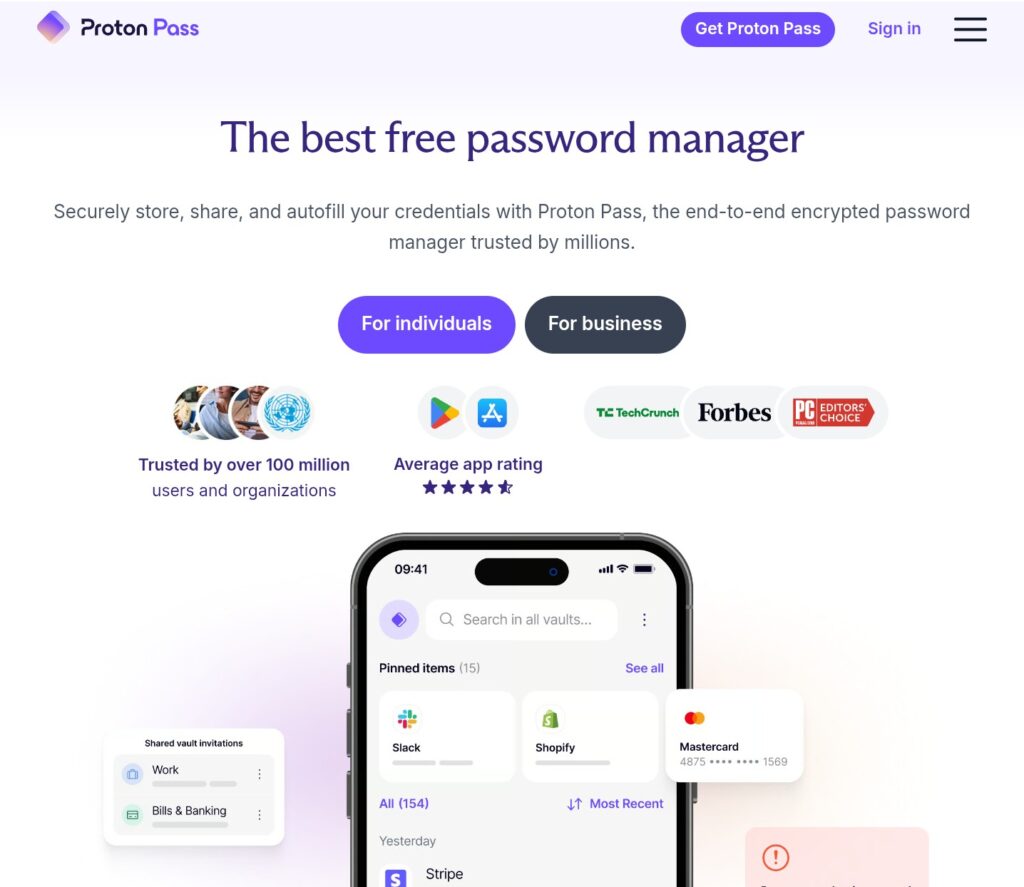
A password manager acts like a secure digital vault, eliminating the need to reuse weak passwords or try to memorize dozens of complex ones. Instead of relying on human memory, it generates mathematically strong, unique passwords for every single account and stores them behind heavy encryption.
Here is a practical look at how they keep you safe, how the security model works, and how to pick the right master password to protect it all.
1. Why Unique Passwords Matter
Most people reuse the same three or four passwords across dozens of websites. If a minor online clothing store you used five years ago suffers a data breach, hackers will immediately take your leaked email and password combination and feed it into automated bots to test thousands of popular sites (like banking, Netflix, or Google). This tactic is called credential stuffing.
A password manager solves this by ensuring that if one site gets breached, the damage is strictly contained to that single account.
2. The Mechanics of a Digital Vault
Modern password managers operate under a Zero-Knowledge Architecture. This means the service provider has absolutely no idea what your passwords are, nor do they hold the key to decrypt them.
- Local Encryption: Your passwords are encrypted on your local device (your phone or computer) before they are synced to the cloud.
- The Master Key: The encryption uses a standard called AES-256 (Advanced Encryption Standard), which would take billions of years for modern computers to brute-force crack.
- Zero-Knowledge: If the password manager company’s servers are hacked, the attackers only steal useless, heavily scrambled gibberish. Without your Master Password, the data cannot be read.
3. Creating a Bulletproof Master Password
Because your Master Password is the single key to your entire digital life, it needs to be exceptionally strong—but it also must be something you will never forget. If you lose your master password, the zero-knowledge design means the company cannot reset it for you, and your data is lost forever.
Instead of a complex password full of random symbols that are hard to remember, security experts recommend using a Passphrase.
- The Method: Combine four or five random, unrelated words (e.g., correct-horse-battery-staple or flannel-cactus-guitar-runway).
- Why it works: Length beats complexity. A 20-character passphrase made of simple words is vastly harder for a computer to guess than a short, complex string like P@ss1!, but it is significantly easier for a human to type and remember.
4. How to Transition Safely
You don’t need to change all your passwords in a single afternoon. The easiest way to migrate is a gradual, three-step approach:
- Download and Install: Pick a reputable manager (like Bitwarden, 1Password, or Proton Pass) and install the app on your phone and browser extension on your computer.
- Save as You Go: Keep logging into websites normally. The manager will pop up and ask, “Would you like to save this password?” Say yes.
- Upgrade the Weak Links: Whenever you log into a high-value account (email, banking, social media), use the password manager’s built-in generator to replace your old password with a fresh, random, 20-character string. Within a couple of weeks, your entire digital footprint will be locked down.